The main page is the page that the user enters when logging into the NAP platform.
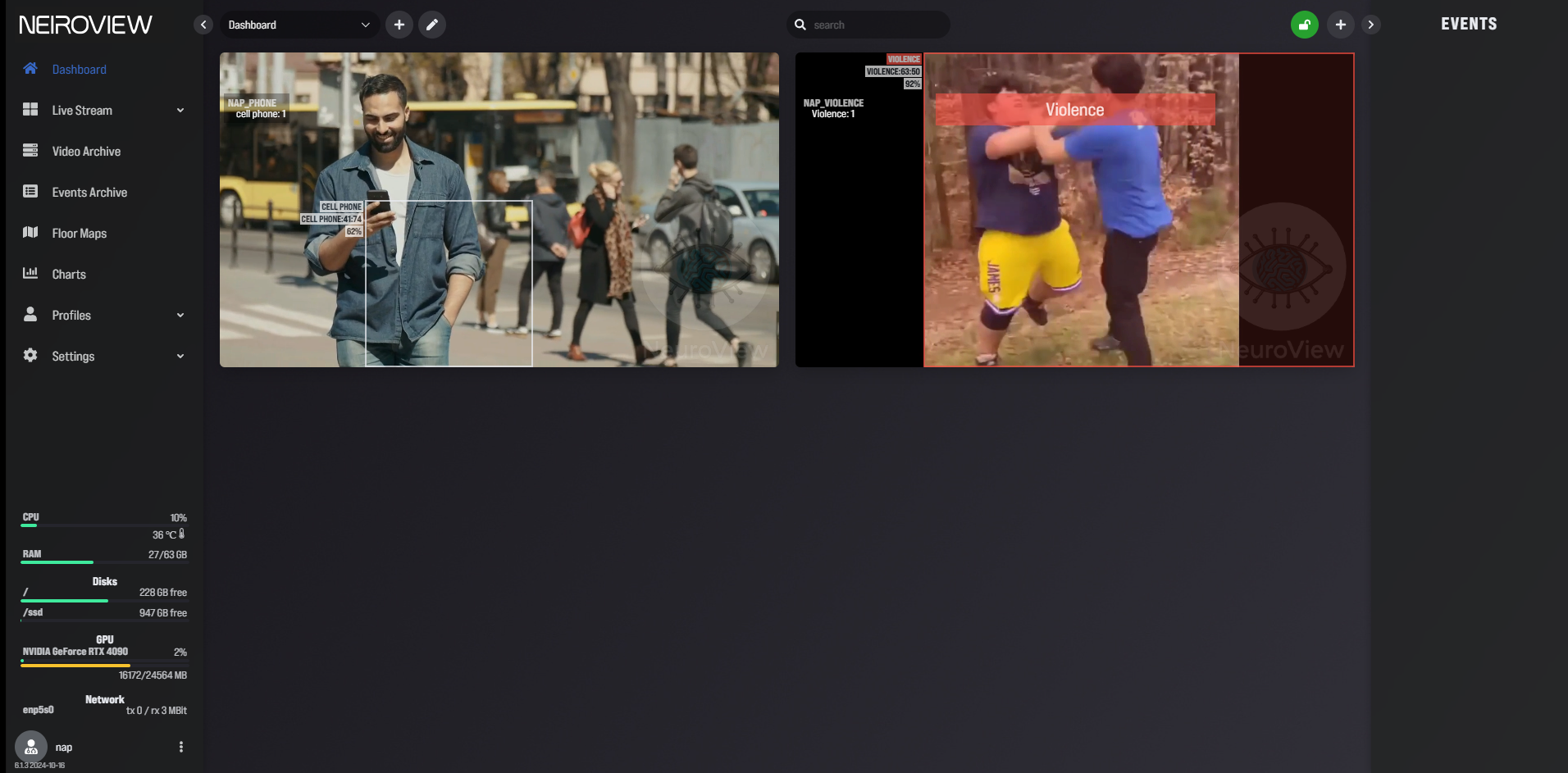
The main field of the platform is located in the center of the page; when you enter, the Information panel is displayed on it. To the left of the main field is the platform menu, user menu and information about the parameters and system status. To the right of the main field is the event feed.
When navigating the NAP platform, the platform menu, information about the system and the event feed are always displayed on the screen, and the main field of the platform is used for navigation itself.
¶ Platform menu
The menu of the platform looks as follows:
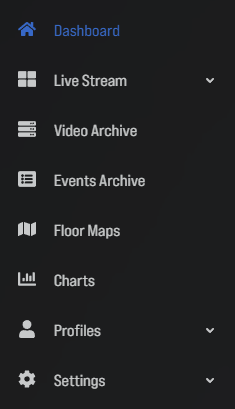
The platform menu includes:
- Dashboard - The main operator panel of the platform where you can display all necessary information on the analytics system, including streams from cameras, statistics, graphs, charts, devices and plug-ins.
- Live Stream - Section with all active videos and streams from cameras.
- Video Archive - Section with saved video clips.
- Events archive - This section saves the events and alarms received from analytics systems.
- Floor Maps - This section contains room plans with camera layouts.
- Charts - Section with graphs and charts based on data from analytics systems.
- Profiles - The section contains saved profiles of people and cars for operation of recognition systems.
- Settings - Section of platform settings as a whole and its individual elements.
¶ System status information
Below the platform menu, you will find information on the system status. The information includes the parameters of the main system components and their utilization.
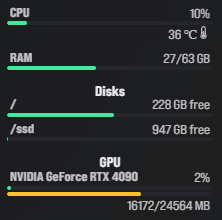
List of system parameters:
- CPU. Degree of CPU utilization.
- CPU temp. CPU temperature.
- RAM. Full and engaged RAM capacity.
- Disk. One or more connected disks with free space indicated.
- GPU and GPU memory. One or more GPUs, indicating the model, GPU utilization, total and the amount of RAM involved.
¶ User menu
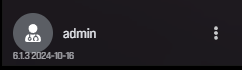
User Menu contains username data, buttons for selecting a language, editing user information, and a logout button.
¶ Events list
The event feed includes the current and most relevant events and alarms received from analytics systems. To view older events and alarms, go to the event archive.
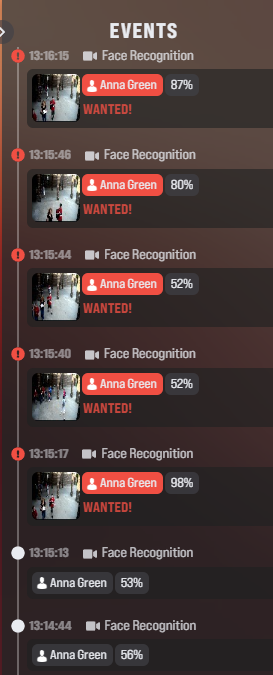
Clicking on an event will open a full frame of the event with additional information.