¶ Find an installed page
Custom pages can appear as a top-level menu item or inside Profiles or Settings. Their title and placement depend on the installed package and configuration; not every installation includes the same pages.
- Choose the page by its menu title.
- If the page embeds another service, check that service's availability and access requirements separately.
- If you see “no data”, ask the administrator to check the page content or embedded-service configuration.
¶ Example: an in-platform checklist
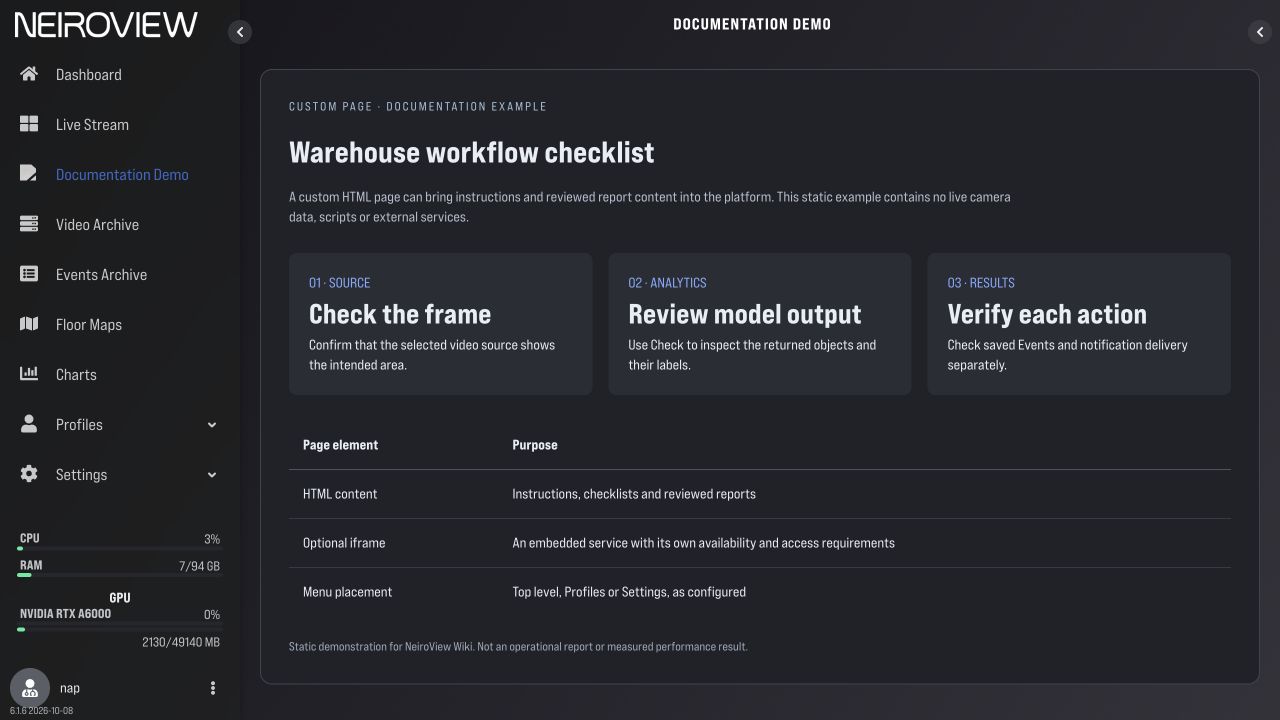
The example below is a real custom HTML page opened from the platform's menu. It brings a warehouse workflow checklist into the same interface as the video and analytics tools.
¶ For administrators and integrators
A custom page can contain HTML or an embedded iframe. Only use reviewed, trusted content. Do not insert authentication secrets into URLs, page markup or screenshots.
For report generation see Custom report scripts. For dashboard content see Widgets. Custom pages and dashboard widgets are different extension surfaces.
© NeiroView Inc. · Documentation guide