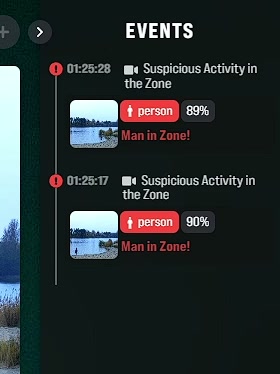
The event feed includes current and most relevant events and alerts received from analytics systems.
Incoming event cards.
The following information is available for each event in the feed:
Event Icon
Green color - successful event
White color - notification
Red color - alarm
Date and time of the event
The name of the camera on which the event occurred
The name of the object with which the event occurred
Text description of the event
Image preview with event
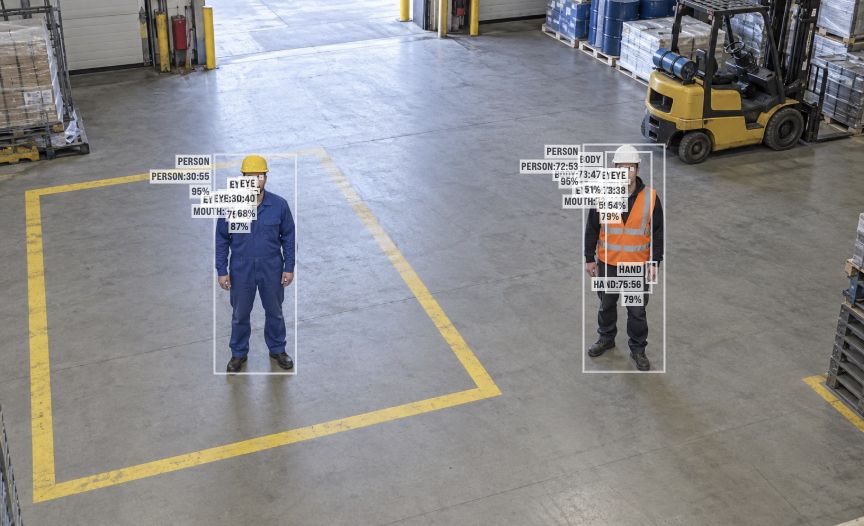
Clicking on the preview image will open a separate window with a full frame of the event, which will reflect the result of the analytics.
Demonstration event image with object overlays.
In the upper right corner of the window that opens, there is an icon with three dots, by clicking on which you can download either the frame itself or the frame with the result of the analytics work.