The Video Archive section provides access to media files in .mp4 (or .mjpeg) format, formed from video streams received from cameras, up to 1 hour long. Each file is saved to disk (by default in the directory “/srv/nap/archive/...”) and can be loaded by the user.
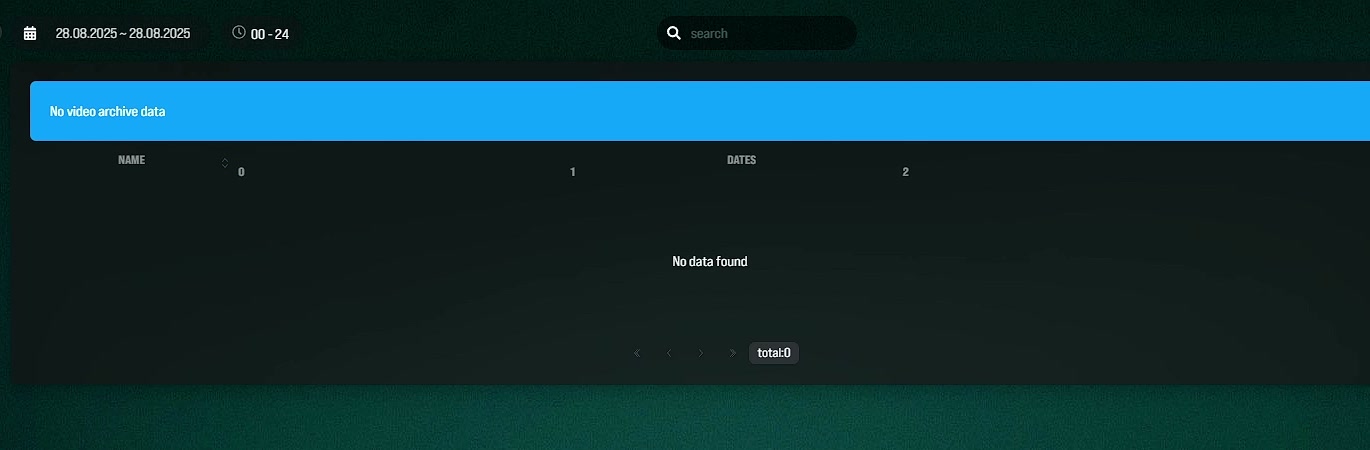
At the top of the interface, using the "Calendar" button, you can select the necessary days for recording media files to be displayed.
Available video segments are displayed as light gray bars. When you select the desired segment and camera, it will start playing, displaying the events saved in the database, which are also displayed on the progress bar.
In the upper right corner of the main field there are buttons for saving the entire video fragment or a single frame.
It is also important to note that playback takes place in a web browser, which may not have some video compression formats, such as h265. In this case, we recommend doing one of the following:
- Download the desired video fragment to the user's device and view it in the system media player.
- In the camera settings, in the "Type" field, select the archive recording format in "MJPEG".
- In the settings of the camera itself, change the video format to h264.