¶ Choose a background
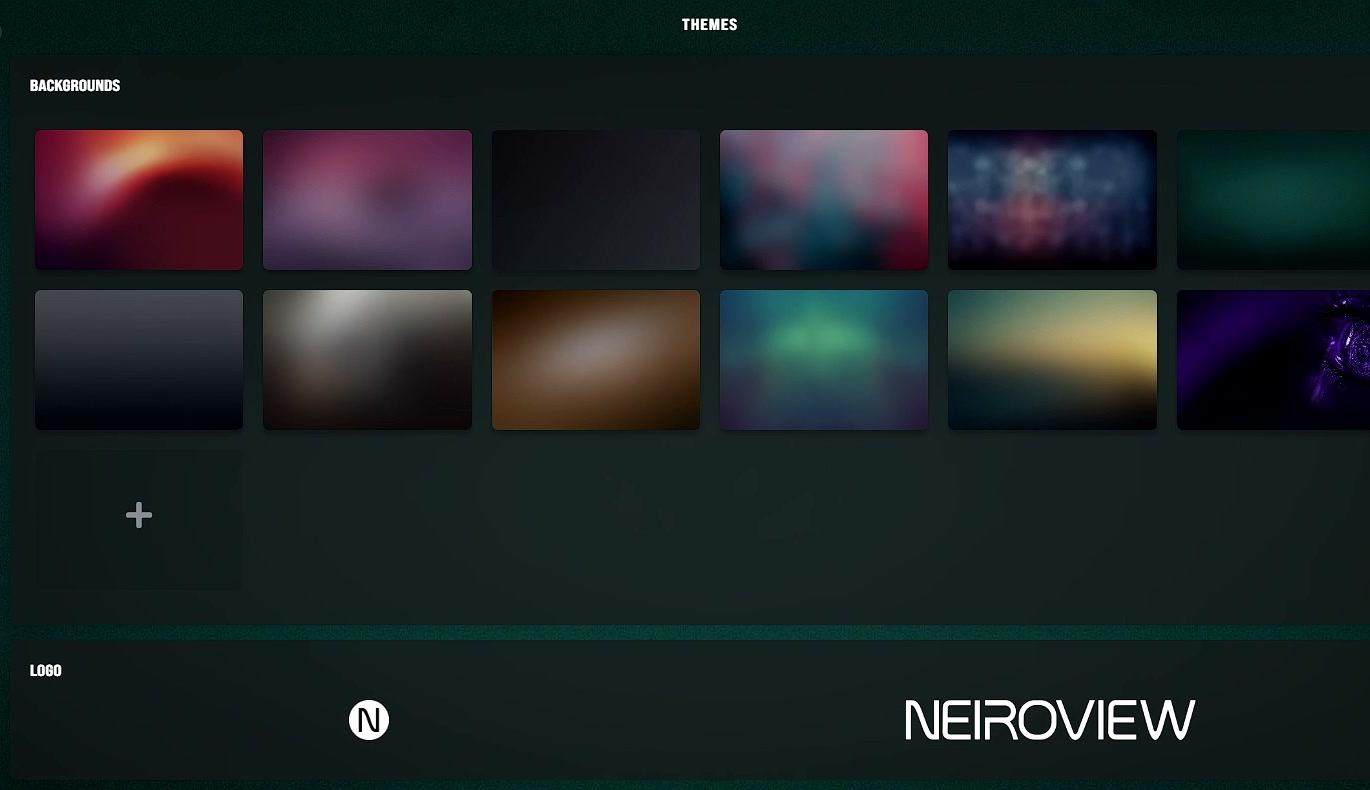
Open Settings → Themes with the required permissions. Select an available background. Check the appearance of your interface after selection.
¶ Branding and advanced customization
The page also provides logo uploads and custom Styles and Script fields. Treat branding and custom code as administrator-managed configuration, not an ordinary personal preference. Use only approved files and reviewed code; JavaScript runs in the browser.
Keep a copy of the previous settings before changing shared appearance. Verify navigation, contrast and readability after a change.
¶ Related
Account and language controls · Permissions
© NeiroView Inc. · Documentation guide